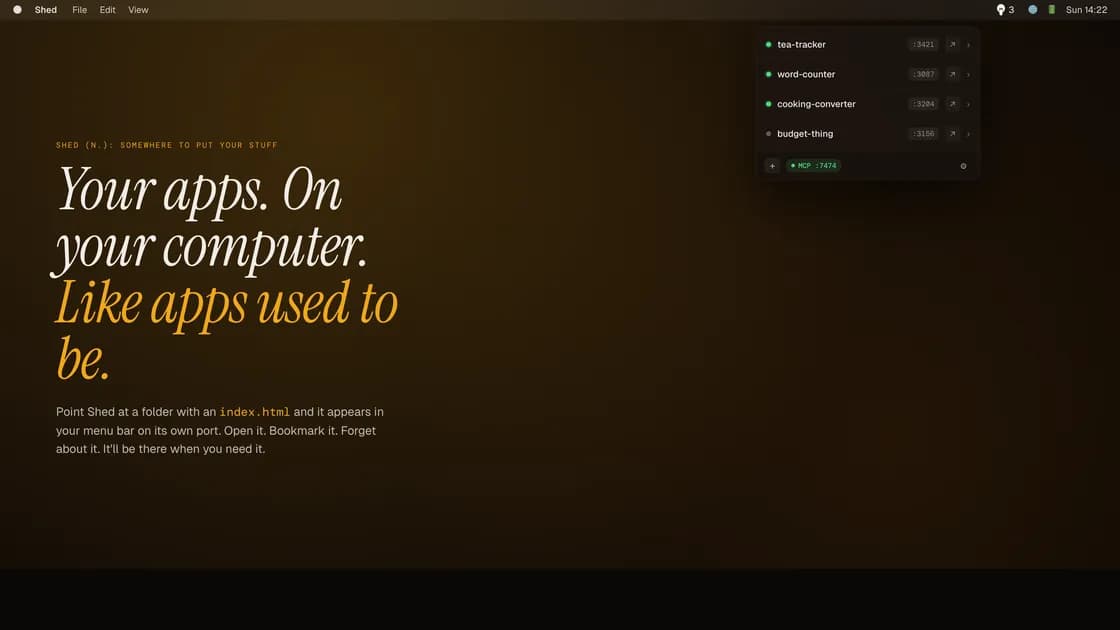
You built something. It works. You have nowhere sensible to put it. Shed fixes that. Point it at a folder, get a local URL, get on with your life.
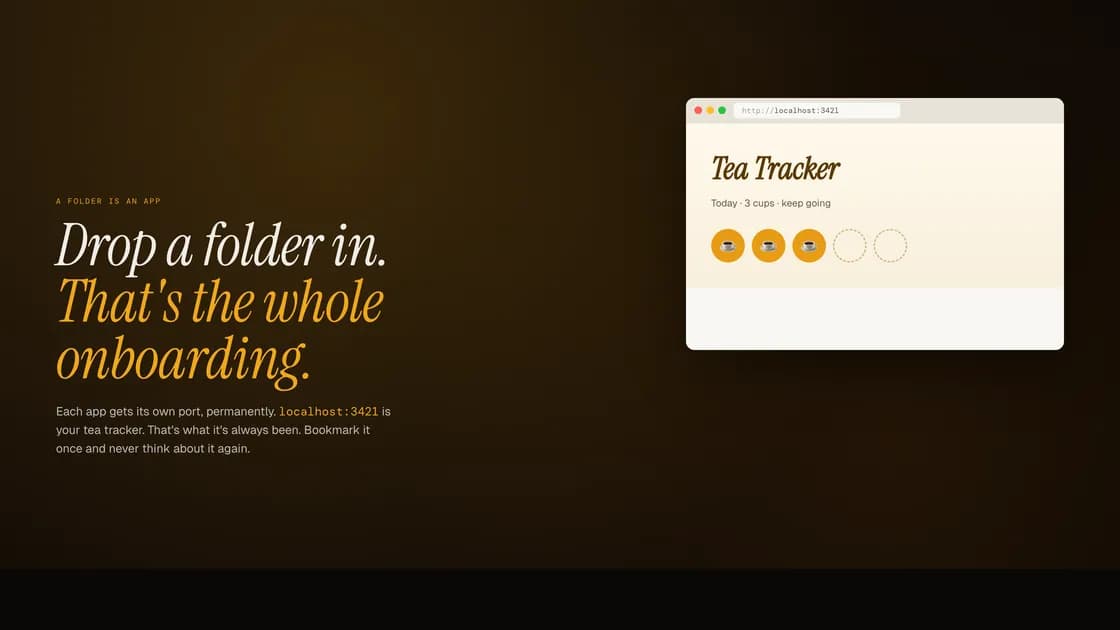
Drop a folder onto Shed and it serves it from the menu bar on its own port. Open it in any browser. Bookmark it. Forget about it. The port doesn’t change when you restart your Mac, so the bookmark still works tomorrow.
Point your Tailscale at Shed and every device on your tailnet can reach your apps. Phone, iPad, partner’s laptop. No deployment, no subscription, no npm run build.
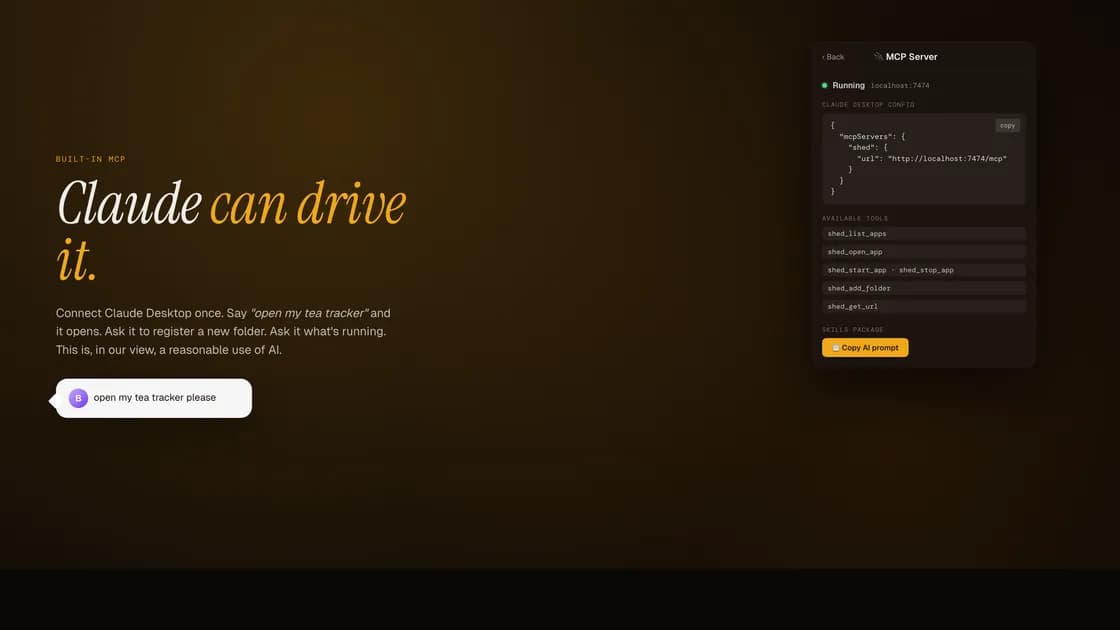
Shed includes a local MCP server. Connect Claude Desktop in one paste and it can list your apps, open them, register new folders. There’s a bundled prompt for generating apps Shed will serve without drama. Single file, no build step, drops straight in.
It serves files from folders. We’re not going to pretend that’s more complicated than it is.
Features
- Any folder, anywhere. Point Shed at wherever the thing lives and leave it there.
- Persistent ports. Your apps live on the same port forever, unless you change it.
- Drop in an
index.htmlor a.shedmarker. Shed finds it. - Launches at login. The light in the menu bar comes on.
- Built-in MCP. Five tools. Connect Claude Desktop in one paste.
- A bundled prompt for generating Shed-compatible apps. Copy it, use it, generate something, put it in a folder.
- No internet required. Doesn’t call home. Doesn’t sync. Doesn’t have a cloud.
Requires macOS 26 or later. Apple Silicon only.